

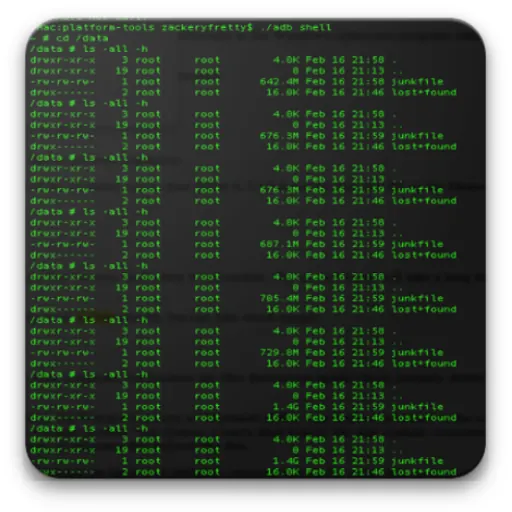
Download Terminal, Shell for Android APK
Screenshots
- Version
- 2026011012r
- Size
- 12.7 MB
- Added
- Requires
- Android 5.0+
- Developer
- A389 St.
- Category
- Tools & Utilities
About this app
Terminal, Shell for Android is a full-featured Linux terminal emulator designed to bring the power of a command-line environment directly to your Android device. It provides a genuine bash shell experience, allowing you to execute a wide range of Linux commands, manage files, run scripts, and interact with your device's underlying system. Whether you are a developer, system administrator, or a power user who prefers the efficiency of the command line, this tool transforms your smartphone or tablet into a portable development and administration console.
The application excels in environments where remote server management or local scripting is required. With full Linux terminal emulation, you can connect to SSH sessions (via additional tools), use standard utilities like grep, sed, and awk, and navigate the filesystem with familiar syntax. It also supports root command execution, which is essential for advanced users who need to modify system files, manage permissions, or use privileged commands. The multi-screen session feature is particularly useful for multitasking, letting you run several terminal instances side by side, monitor logs, or compare outputs without switching apps.
What sets this terminal apart is its robust support for UTF-8 text encoding, covering a vast array of languages including Arabic, Chinese, Greek, Hebrew, Japanese, Korean, Russian, and Thai. This ensures that localized content, file names, and scripts render correctly without garbled characters. Additionally, customization options for font size and color allow you to tailor the display for readability and personal preference, which is a practical advantage during long coding or troubleshooting sessions.
Before installation, note that this is a terminal emulator, not a full Linux distribution. You will need a basic understanding of Unix commands and shell syntax to use it effectively. Root functionality requires a rooted device, and some operations may need additional binaries or busybox to be installed. The app runs on standard Android hardware with a soft keyboard, though connecting a physical keyboard via Bluetooth or USB is recommended for heavy typing tasks. It is 100% free, with no hidden costs or feature locks, making it a reliable choice for both beginners exploring the command line and seasoned professionals seeking a dependable mobile tool.
How do I download Terminal, Shell for Android?
Is Terminal, Shell for Android free on AppLoko?
What is the current version of Terminal, Shell for Android?
What Android version does Terminal, Shell for Android need?
What category is Terminal, Shell for Android in?
What should I do if Terminal, Shell for Android will not install?
Is it safe to download Terminal, Shell for Android from AppLoko?
Similar apps
All



Tools & Utilities
All SSH Terminal ClientTools & Utilities
 Commands and Tools For TermuxTools & Utilities
 Termux Commands and ToolsTools & Utilities
 RNX CoreTools & Utilities
 RNX NeoTools & Utilities
 Terminal — SSH client with Docker and Kubernetes supportTools & Utilities
 Vibe TerminalTools & Utilities
 FOS TerminalTools & Utilities
 YuzuSSHTools & Utilities
 TerminaLLMTools & Utilities
Popular
 Google ChromeCommunication
 Google MapsNavigation & Maps
 Google DriveProductivity & Office
 Google CalendarProductivity & Office
 YouTube MusicMusic & Audio
 Google AssistantProductivity & Office
 Facebook LiteSocial Networks
 Samsung BrowserCommunication
 Mi MusicPhoto & Video
 TelegramCommunication
 LinkedIn: Community & NetworkProductivity & Office
 Samsung HealthHealth & Fitness